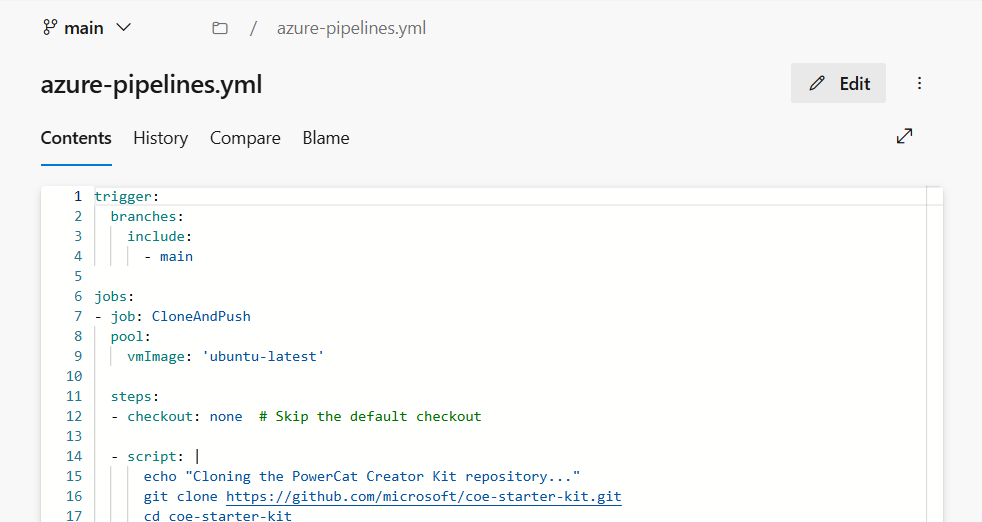
Creating an Azure DevOps Pipeline to Clone a GitHub Repository to an Azure DevOps RepositoryIf you’re looking to clone a GitHub repository into an Azure DevOps repository and keep the two in sync, an Azure DevOps pipeline can handle this for you automatically. This pipeline will clone the code from a GitHub repository, set up the Azure DevO...Nov 6, 2024·3 min read
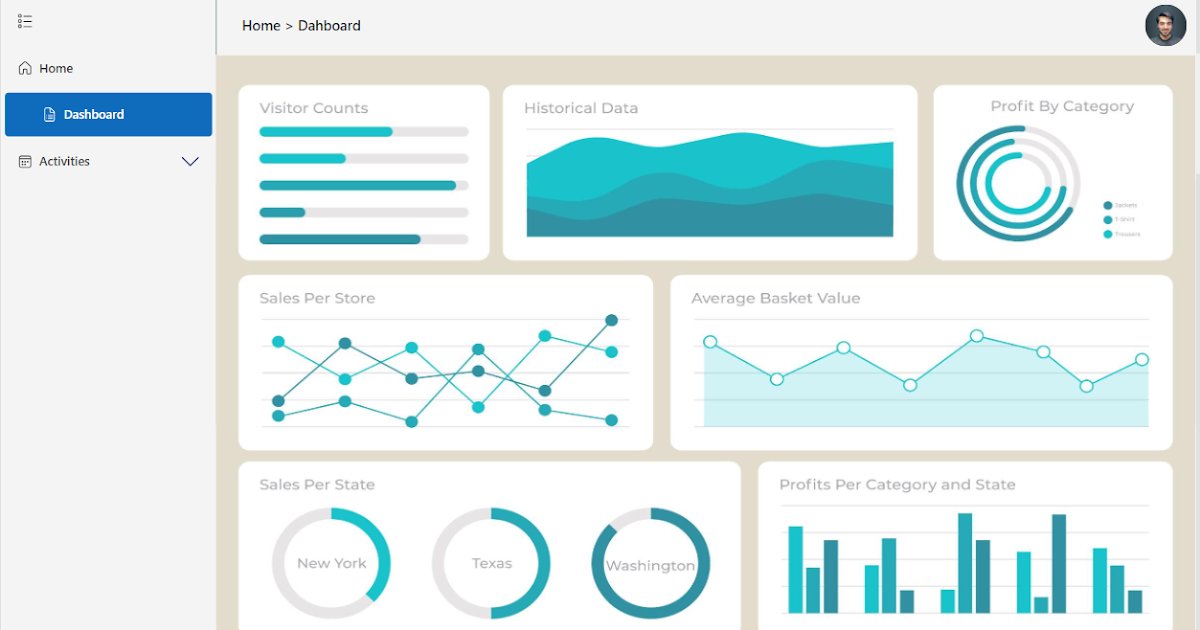
Create a Modern Vertical Navbar Custom Component | Canvas AppsI'll walk you through the steps to create a custom vertical navbar component for your Canvas Apps. This guide is perfect for both beginners and experienced developers who want to enhance their app's navigation and user interface. What you'll learn in...Jul 24, 2024·1 min read
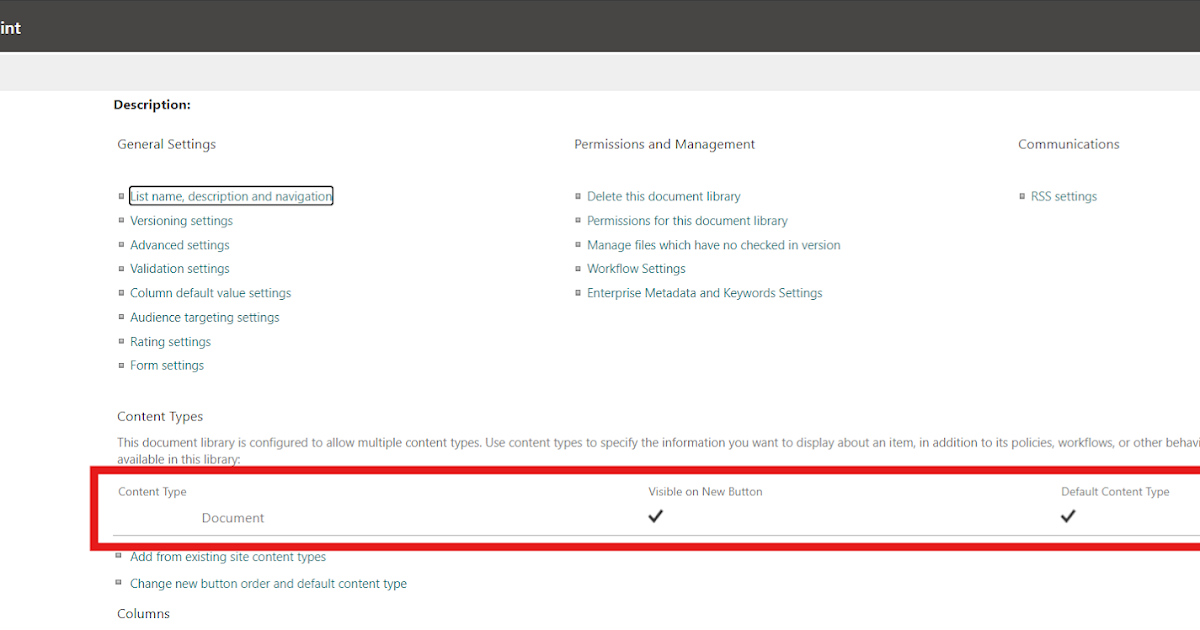
Step-by-Step Guide to Adding a Custom Content Type in SharePoint LibraryPrerequisites Access to Power Automate A SharePoint Online site Necessary permissions to create sites and manage content types 1. Create a SharePoint Site First, we need to create a SharePoint site where the custom content type will be added. POST ...Jul 2, 2024·2 min read
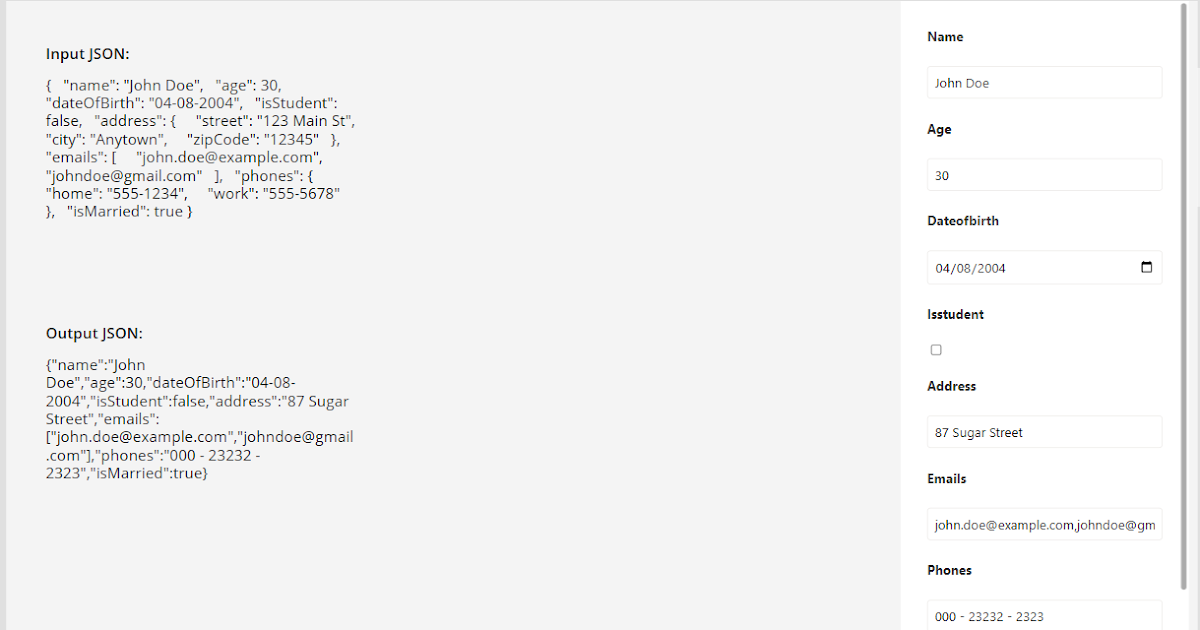
Leveraging Dynamic Form for Elastic Table JSON Columns | Canvas AppLeveraging Dynamic JSON Form for Elastic Table JSON Columns in a Canvas App In today's dynamic data-driven world, businesses often encounter scenarios where they need to interact with JSON data within their applications. This data could be stored in ...Jun 20, 2024·3 min read
Upload a File to Azure DevOps using Power AutomateUploading a File to Azure DevOps using Power Automate Introduction In this blog post, we’ll explore how to automatically upload a file to an Azure DevOps repository when a new attachment is added to a SharePoint record. You can choose your desired tr...Jun 12, 2024·2 min read
Recovering a Deleted Power AppIntroduction: Losing a Power App can be frustrating, especially if it contains critical functionality. Fortunately, there are ways to restore deleted apps. In this guide, we’ll walk through the process step by step. Check Your Admin Status: Ens...May 15, 2024·2 min read
Change Data Sources for Existing Power BI Reports.jpg) Change Data Sources for Existing Power BI Reports using M Code Power BI is a powerful business intelligence tool that allows users to: connect to multiple data sources transform data create interactive reports and dashboards Power BI helps to...Apr 19, 2024·2 min read